TABLE OF CONTENTS
Preamble
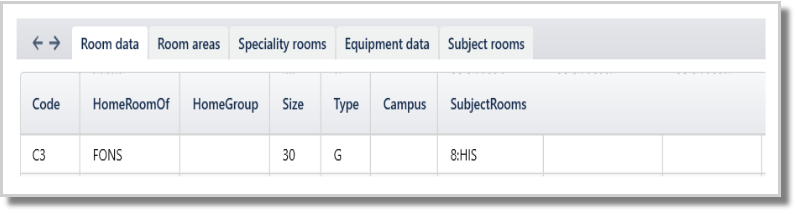
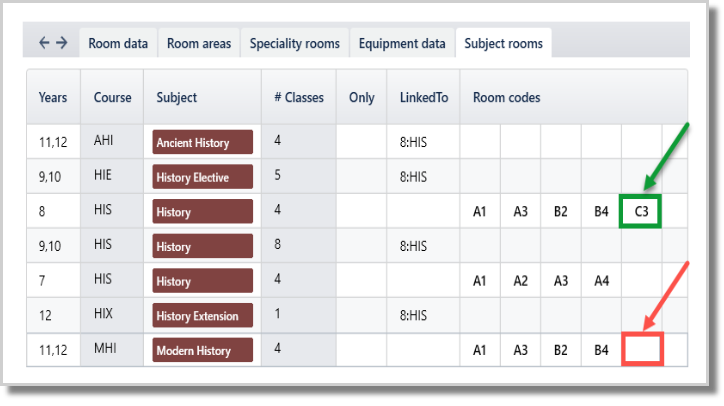
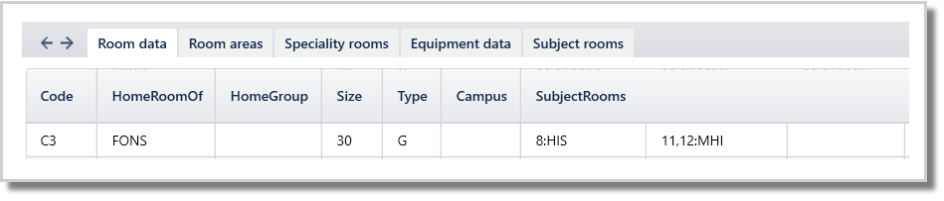
It will depend on the room capacity and the school's policy if you need to give teachers their own Home room or that you need to schedule the majority of the classes for particular groups in Home rooms. This document is about how to set this up to include this information in the Auto-room function. Using this feature can result in slightly more efficient teacher timetables due to slightly reduced travel time in some cases.
Home Rooms for Teachers
NOTE
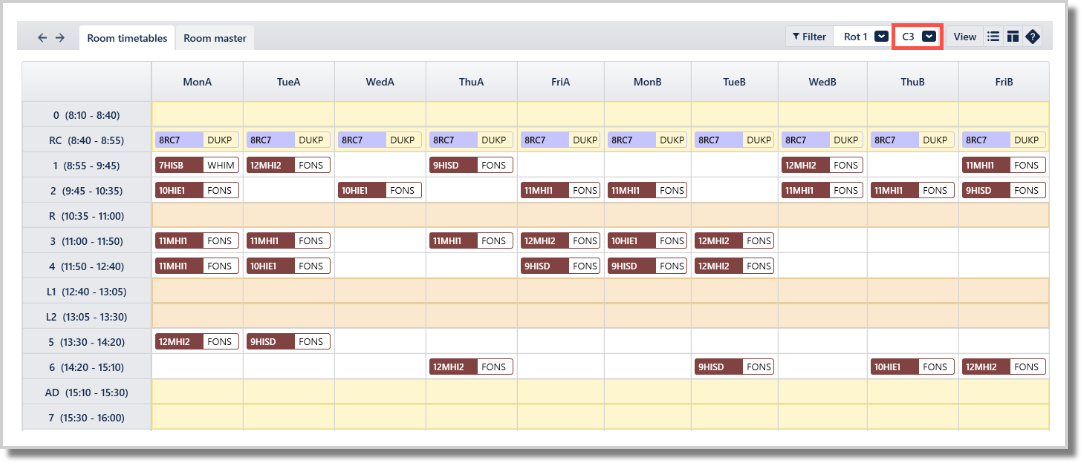
The home room may not be auto-allocated to a teacher if there is a class on at the same time that requests this room at a higher preference level.
Home rooms for student groups
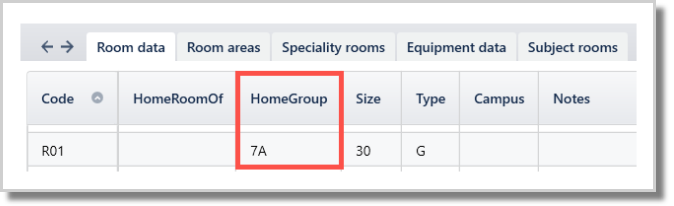
In Rooms > Room data (F5), enter the group (letter or number) in the HomeGroup column.
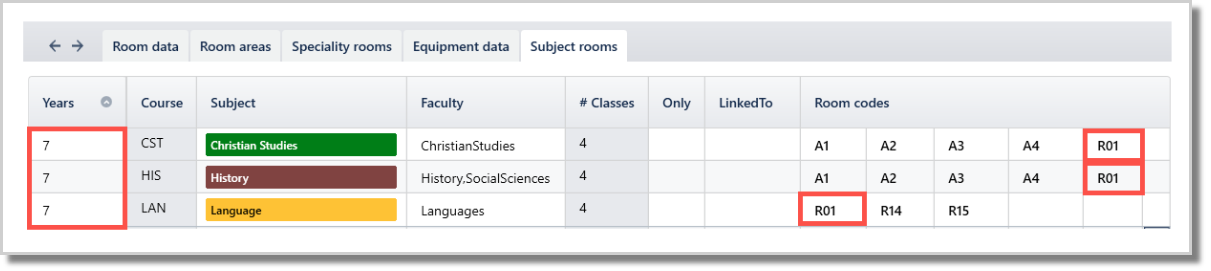
In Rooms > Subject rooms (SHIFT-F5), enter the HomeGroup room in the set for every subject associated with the particular group classes.
Was this article helpful?
That’s Great!
Thank you for your feedback
Sorry! We couldn't be helpful
Thank you for your feedback
Feedback sent
We appreciate your effort and will try to fix the article